

A logo is the cornerstone of a brand’s visual identity. It’s often the first thing people notice, so it needs to make a strong impression. The best logos are memorable, unique, and versatile enough to be used anywhere while still resonating with the target audience.
Ready to level up your logo design skills? We’ve compiled the best Adobe Illustrator tutorials for designing logos. These resources will help you hone your craft and spark fresh ideas for your next project.
These tutorials will guide you through a range of topics, from fundamental logo design principles to advanced techniques for creating complex designs. You’ll master color theory, typography, and how to incorporate design elements that effectively communicate a brand’s message.
The tutorials are also packed with design tips, techniques, and best practices to help you create visually stunning and memorable logos. By following the step-by-step instructions, you’ll learn to craft logos that truly stand out and make a lasting impression.
How to Create a Colorful Gradient Logo Design

How To Create a Line Art Badge Logo

How to Create a Logo from a Flat Illustration

How to Create a Spectacles Logo

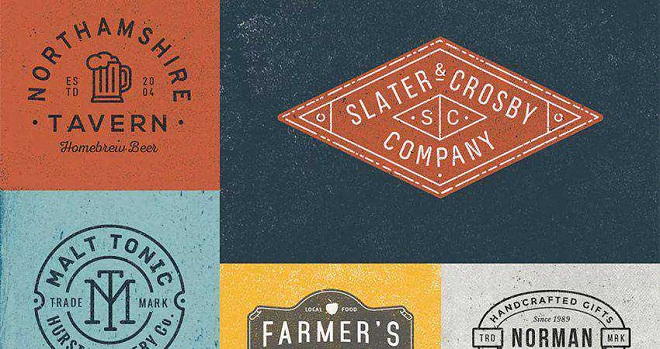
Vintage Personal Logo Branding

How to Create a Vintage Logo Design

How to Create a Fun Hipster Logo

How to Design a Trendy Folded Logo

How to Create a Simple & Cute Fox Logo

How to Design a Flat Teacup Logo

How To Create a Faceted Gemstone Logo Design

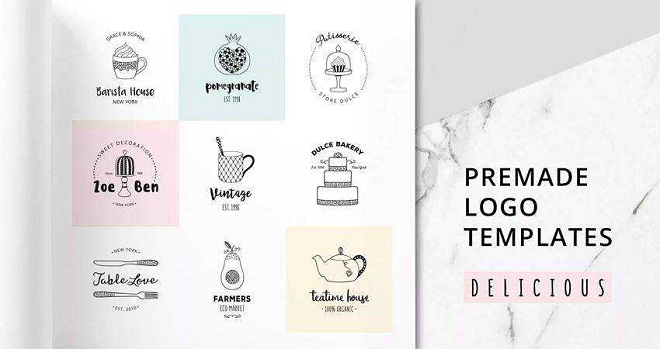
How to Create a Vintage Style Logo

How to Create a Crazy Cool Logo Design

How to Design a Monogram Logo Design

How to Design Winter Watercolor Gift Tags

How to Create a Logo with a Circular Grid

How to Create an Infinite Logo Design

How to Create a Golden Ratio Logo Design

How To Design a Distressed Vintage Logo Design

About Author

Eyden Haze
Eyden Haze is a digital marketer, a web designer and technology fanatic from Sydney, Australia. With over 7 years of experience in web industry, he has helped his clients to launch their marketing campaigns successfully. He also likes to explore various online tools and share that knowledge by writing useful blog posts.