
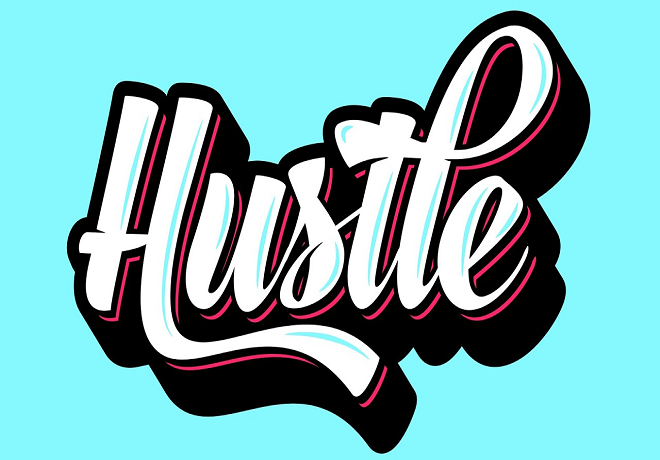
Excellent typography is a cornerstone of high-level design, but the real magic happens when you infuse lettering with imaginative, custom effects. Elevating standard characters into a visual masterpiece requires a blend of technique and creativity.
This curated collection gathers the finest Adobe Illustrator guides focused on crafting inventive text treatments. Engaging with these lessons won’t just sharpen your technical proficiency; it will provide the tools needed to inject personality and depth into every layout you touch.
While solid typography is a cornerstone of good design, pairing it with imaginative text effects can transform a simple layout into a masterpiece.This collection brings together top-tier Adobe Illustrator tutorials focused on inventive typography. Working through these guides won’t just sharpen your technical proficiency; it will provide you with the tools to inject personality and visual depth into every project. Whether you are exploring 3D dimensions or recreating nostalgic vintage aesthetics, you’ll gain mastery over Illustrator’s diverse toolkit to produce professional, high-impact results that command attention.
How to Create a Type Face Text Effect
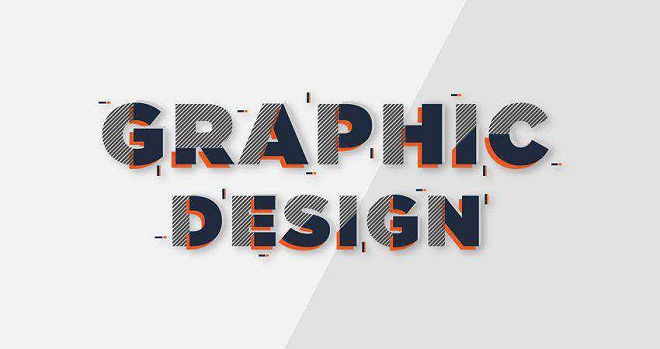
How to Create a Perspective Text in Adobe Illustrator
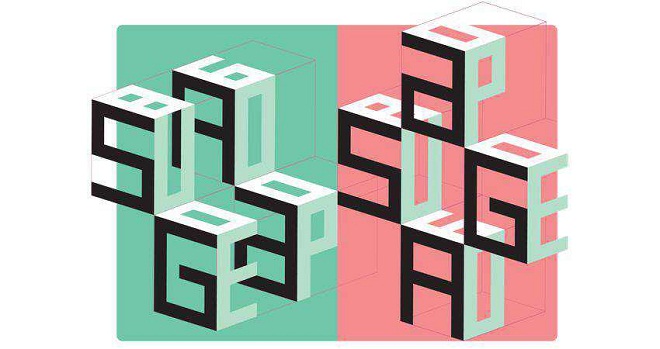
How to Create a Letter Characters Text Effect
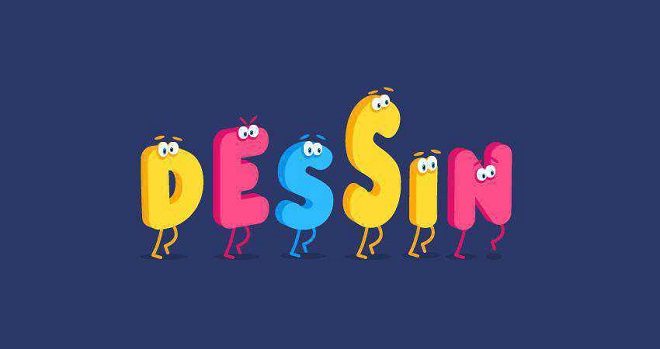

How To Create a Grainy & Shaded Type Effect
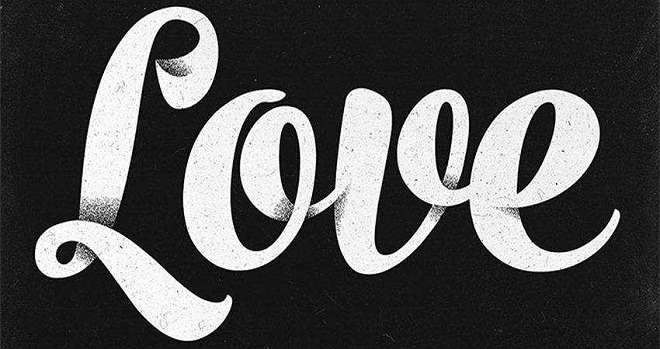
How to Create a Hand-Lettered Watercolor Text Effects

How to Create Isometric Text in Adobe Illustrator

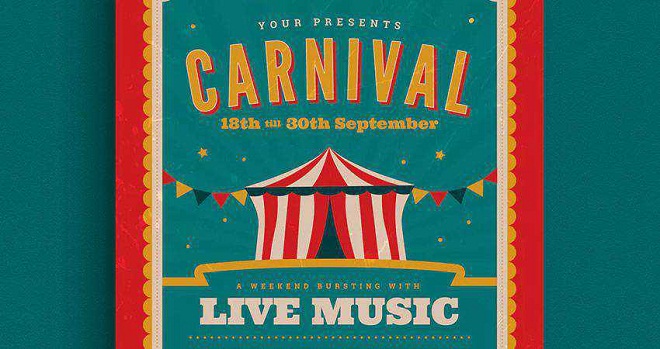
How to Create a Toothpaste Text Effect

How to Recreate the Thor Ragnarok Style Text Effect
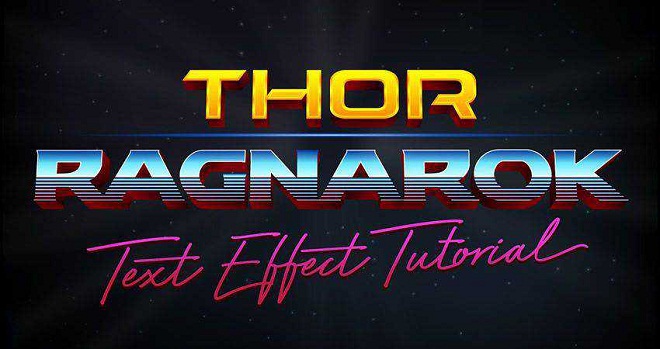

How to Create Text with Speed Lines
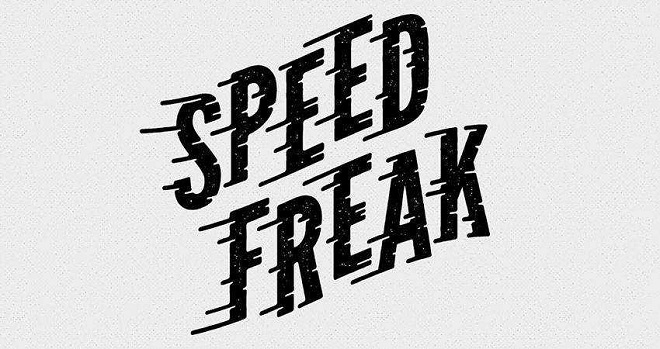
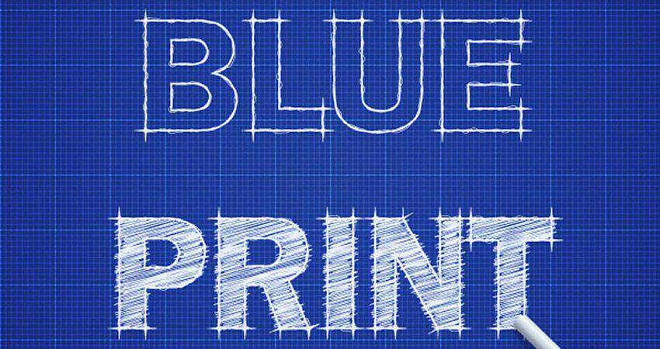
How to Create a Blueprint Text Effect
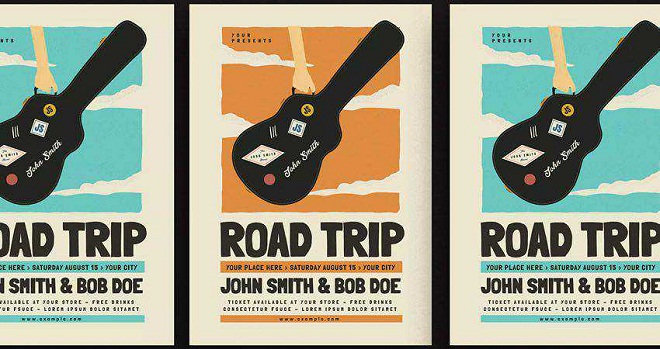
How to Create a Neon Text Effect

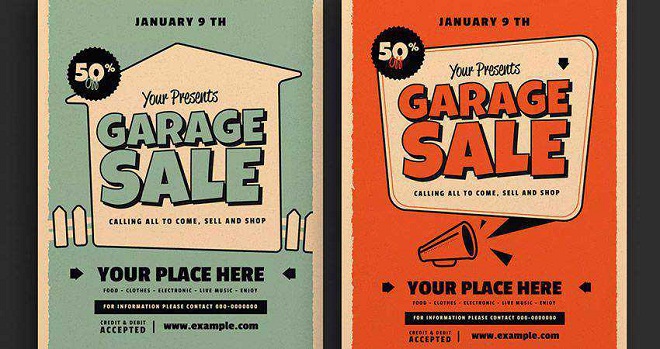
Retro Text Garage Sale Event Flyer
How to Create Colorful Gradient Lettering in Adobe Illustrator

Free Retro Text Effect Graphic Styles

How to Create a Furry Cat Text Effect

How to Create a Repetitive Illusion Text Effect
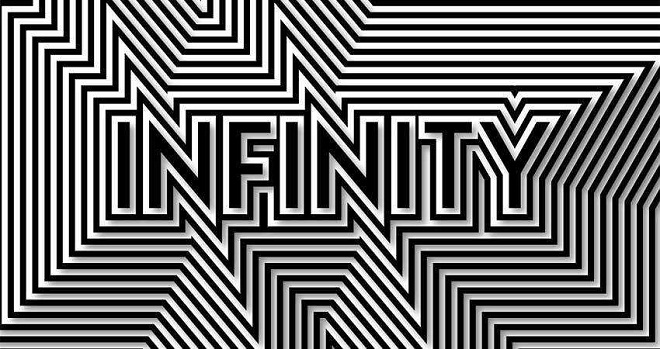
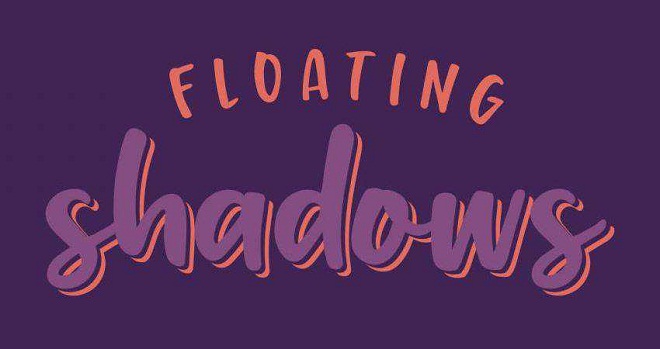
How to Create Typographic Floating Shadows
How to Create Retro Text Effects
About Author

Eyden Haze
Eyden Haze is a digital marketer, a web designer and technology fanatic from Sydney, Australia. With over 7 years of experience in web industry, he has helped his clients to launch their marketing campaigns successfully. He also likes to explore various online tools and share that knowledge by writing useful blog posts.