
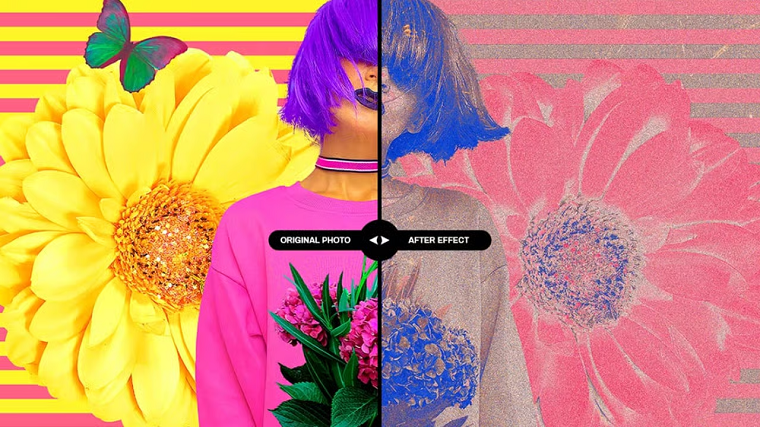
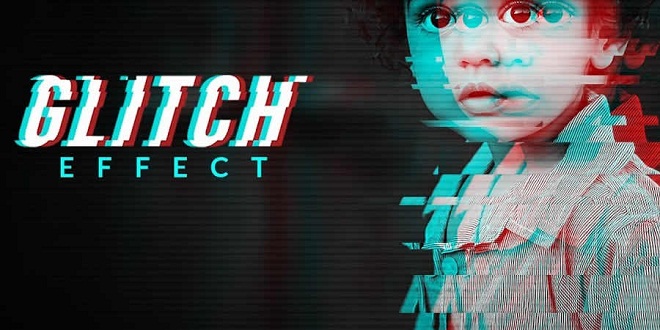
Photoshop is a powerful tool for creating stunning photo effects that can elevate your images. These tutorials will teach you how to recreate a variety of effects, such as glitch, sepia tone, watercolor, tilt-shift, HDR, cinematic, bokeh, and sketch, among many others.
Mastering these techniques lets you add an artistic touch to your photos, making them truly memorable. Learning to create these photo effects in Photoshop is a valuable skill for anyone, from professional photographers and graphic designers to hobbyists looking to improve their editing skills.
Exploring Photoshop and experimenting with different photo effects can be a lot of fun. With a little practice and creativity, you’ll soon be creating stunning results that are sure to impress.
Why not start learning to recreate these photo effects in Photoshop today? With a little dedication, you can become a master of photo editing in no time.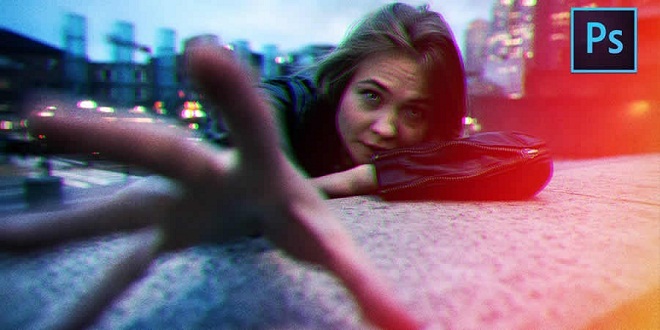
Black & White Conversion Effect in Photoshop
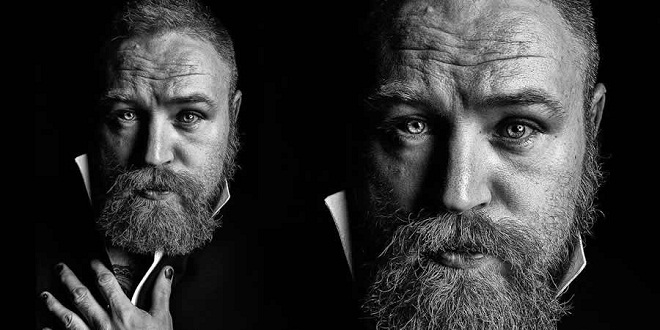
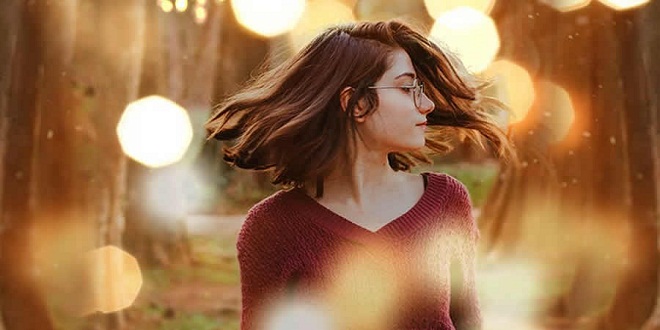
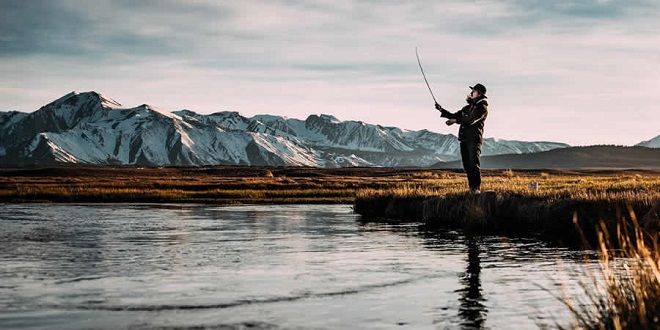
Color Grading Effect in Photoshop
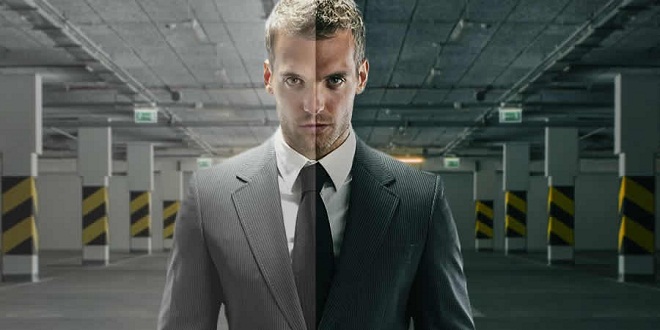
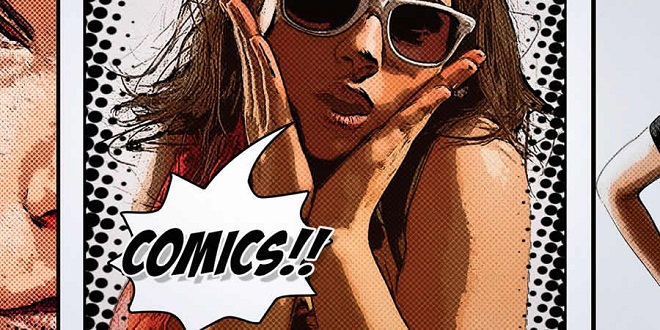
Cross-Processing Effect in Photoshop
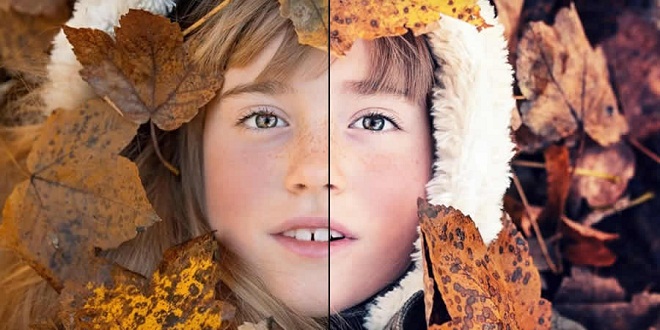
Dispersion Effect in Photoshop

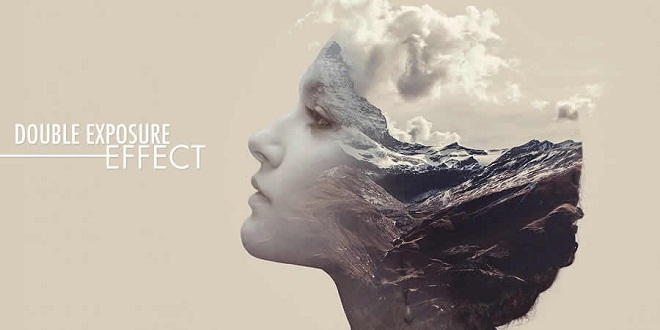
Double Exposure Effect in Photoshop

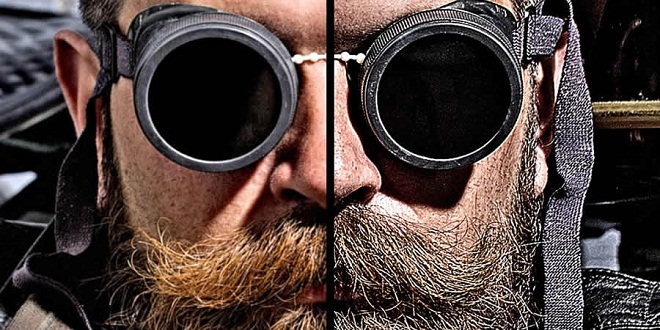
High Contrast Effect in Photoshop
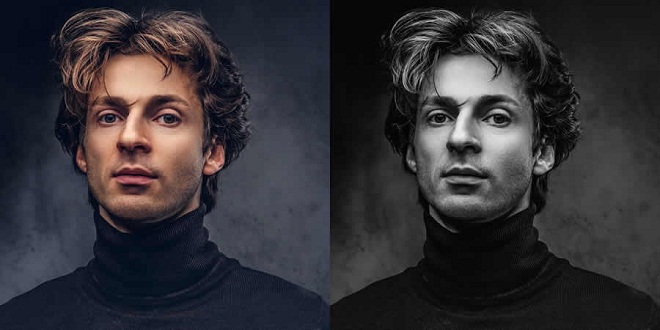
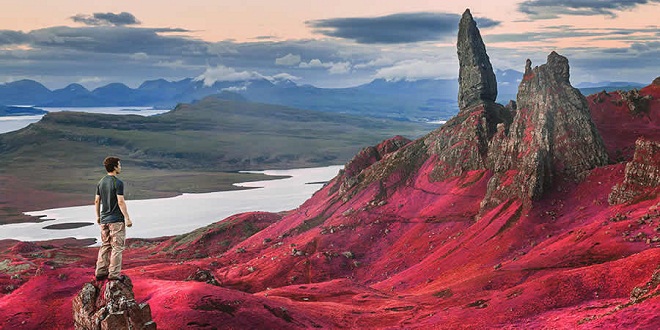
Lens Flare Effect in Photoshop
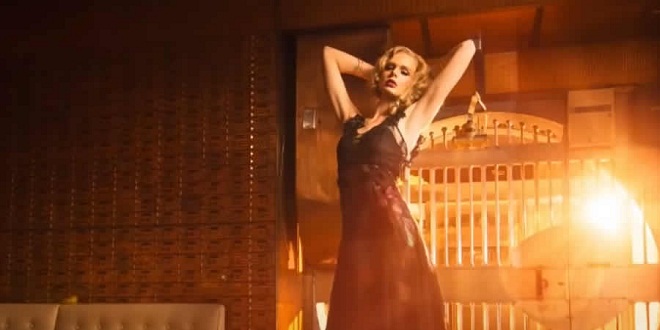
Light Leak Effect in Photoshop
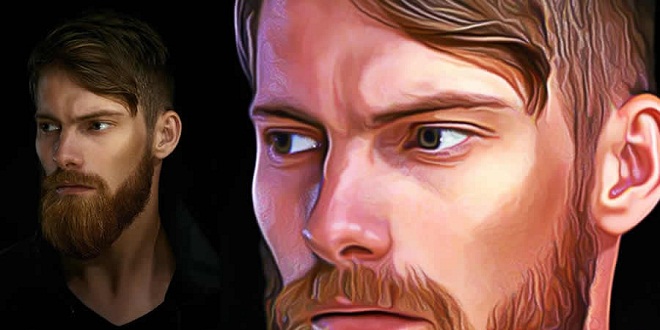
Oil Painting Effect in Photoshop
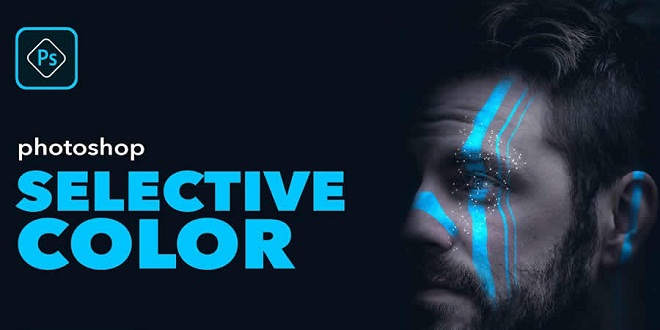
Selective Color Effect in Photoshop
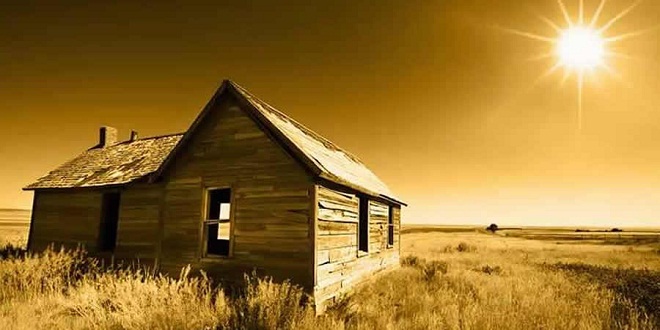
Sepia Tone Effect in Photoshop
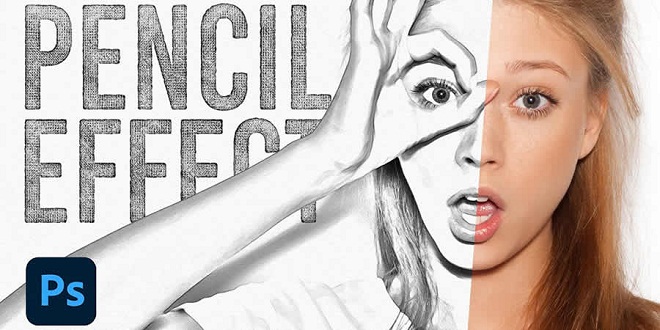
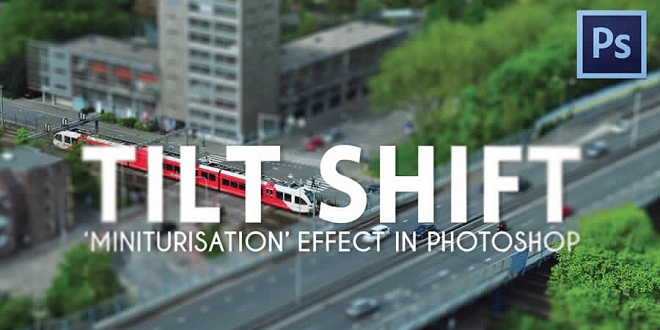
Tilt-Shift Effect in Photoshop
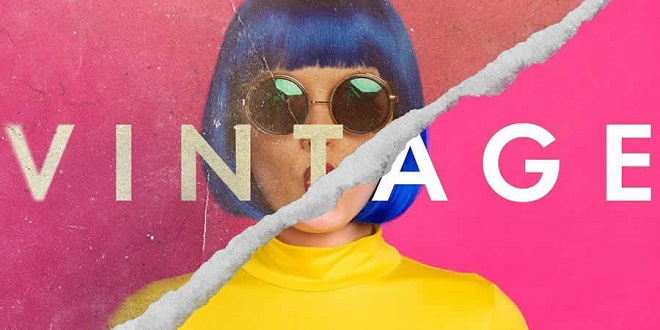
Vintage & Retro Effects in Photoshop
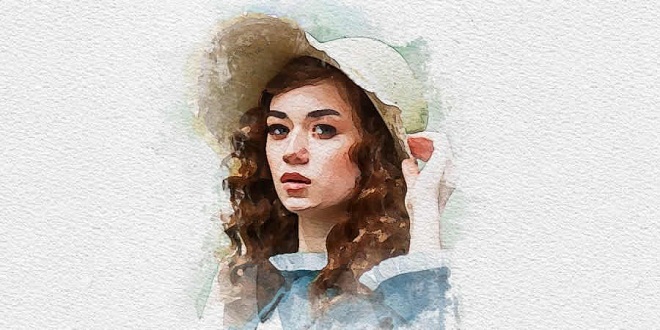
Watercolor Effect in Photoshop
About Author

Eyden Haze
Eyden Haze is a digital marketer, a web designer and technology fanatic from Sydney, Australia. With over 7 years of experience in web industry, he has helped his clients to launch their marketing campaigns successfully. He also likes to explore various online tools and share that knowledge by writing useful blog posts.